Kendall LeBerte
Oh okay, got it! Funny you should mention that - I ended up literally just copy pasting your code into my doc to try and isolate the issue (although I promise I’m not trying to just take your code by any means and appreciate the example haha!). The only things I changed are the URL and Client ID but still not having any luck after "logging in."
Is there another configuration setting or library I need to download or install somewhere you can think of? Here is the URL it is running on in case anything pops out at you : https://everyreceiptnow.com…
I’d also be happy to create a specific shareable test user to try logging in with if that would helpful in troubleshooting at all?
1 Like
Matt Raible
Thanks for testing everything, Kendall! I had a couple of typos in my Gist. Change this:
oktaSignIn.authClient.token.parseFromUrl(
To this:
oktaSignIn.authClient.token.parseFromUrl().then(
And use the authClient to store the ID token.
oktaSignIn.authClient.tokenManager.add(‘idToken’, idToken);
I’ve updated my Gist with these changes.
1 Like
Kendall LeBerte
Matt, you’re a genius! That did the trick! Thank you so much for all of your help!
1 Like
Rakesh
I Have tried to run this example in IE 11, But after successful authentication it is again redirecting me to the application login page. Can anyone please help me.
Matt Raible
You shouldn’t have any issues with IE 11 if you’re using implicit flow. Are you using implicit flow or authorization code flow with PKCE?
Rakesh
i am using authorization code flow with PKCE
Matt Raible
If you want to use PKCE with IE 11, you need to polyfill the webcrypto. The list of polyfills needed is here.
1 Like
Sudheendra Rao
Once i put the user name and password it still says "You are not logged in. Get outta here! Shoo! >:S"
Dear sir, Please help
Matt Raible
If you look in your browser’s developer console, do you see any errors?
Sudheendra Rao
No, I got that fixed, it was an issue with oktaSignIn.tokenManager.add(‘idToken’, idToken);
which i fixed by reading the complete blog. Could i ask a second stupid question. I use this on my ASP.net page C# page, it now logs in. But once logged in, how do i get the user name in to a label field i have added
Matt Raible
Once you have the ID token, you should be able to read the claims from it. For example:
oktaSignIn.tokenManager.add(‘idToken’, idToken);
document.getElementById(“messageBox”).innerHTML = "Hello, " + idToken.claims.email + “! You just logged in! :)”;
1 Like
Melvin George
[14 Dec 2020] Both 2.16.0 and 4.3.0 gives error.
Upon entering my okta login credentials:
2.16.0: Unable to connect to the server. Please check your network connection.
4.3.0: There was an unexpected internal error. Please try again.
In both the above cases, Python server shows “GET / HTTP/1.1” 200 -
The blog is written well. Adding the youtube video is good thought.
But, the example does Not work. Could you please help me make it work.
Matt Raible
I’m confident the code works. Maybe you’re running your local server on a different port? Here’s a gist I created that shows the code for both versions.
1 Like
Melvin George
Hi Matt, Thank you for the response. Yes, yesterday also I used code from the same gist link.
The System Log in Okta Dashboard reports success:
User accessing Okta admin app - success
OIDC access token is granted - success
User single sign on to app - success
OIDC id token is granted - success
OIDC authorization code request - success
Evaluation of sign-on policy - allow
[First Event] User login to Okta - success
But, the browser localhost:8080 still says “There was an unexpected internal error. Please try again.” I run it via “python3 -m http.server 8080”; with 4.3.0 code in index.html
Let me know if you need some more info to fix this issue with gist code. Might help newcomers who use it as a getting started exercise.
Matt Raible
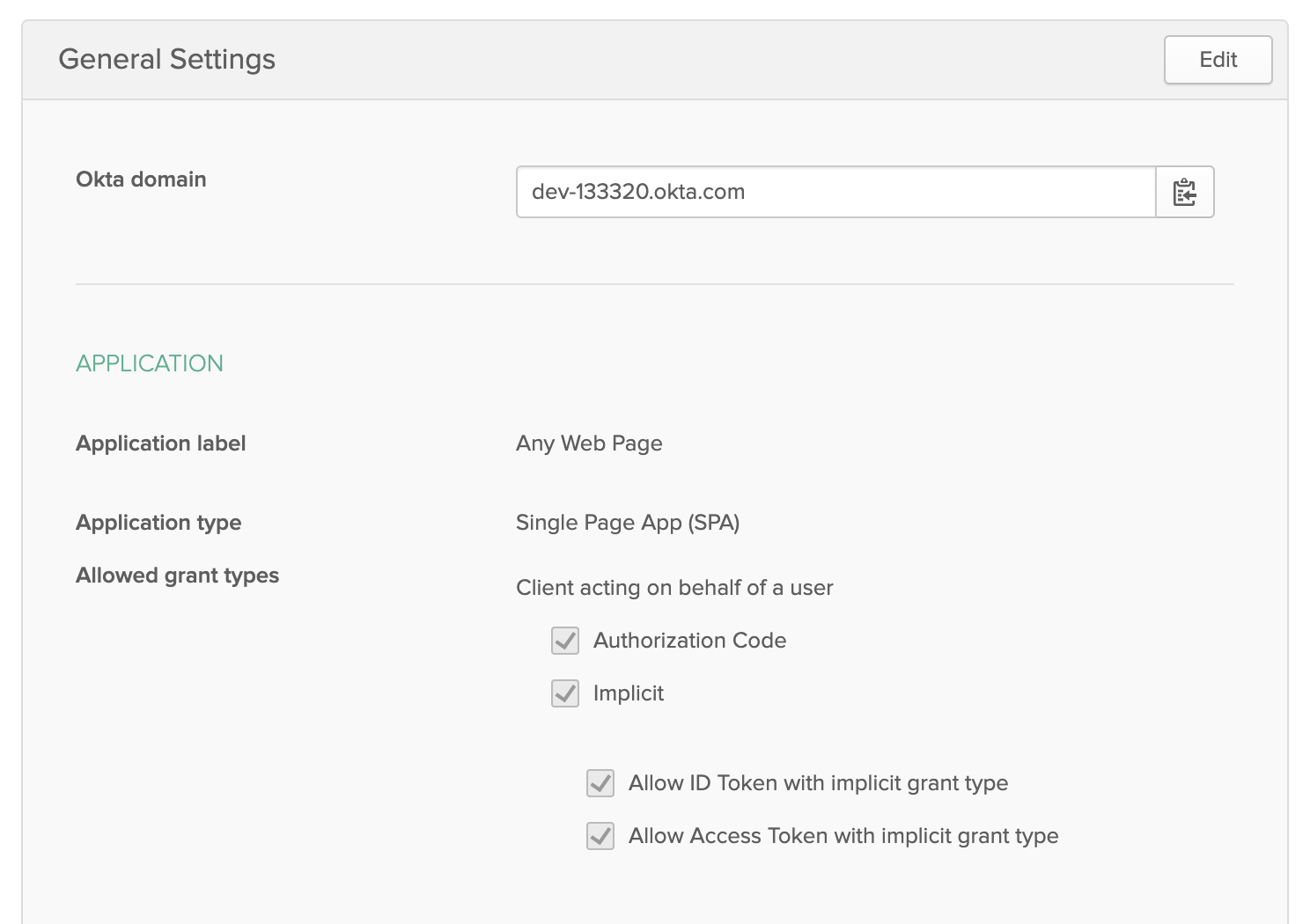
I just tried using 4.3.0 and it works fine for me. I created an app on Okta with http://localhost:8080 as a Login redirect URI and added http://localhost:8080 as a trusted origin in API > Trusted Origins.
https://uploads.disquscdn.c…
If this doesn’t work for you, I suspect it’s because you don’t have a “default” authorization server. If you look in API > Authorization Servers, do you see a default one listed there? If you’re using an Okta IT Trial you won’t have this. If you’re using a developer account (like this tutorial asks you to create), everything will work.
https://uploads.disquscdn.c…
1 Like
Melvin George
Hi Matt, Thanks for the details on how you set it up. I had to do 2 things:
1) API → Trusted Origins
Origin URL: http://localhost:8080
CORS: selected.
2) Running the server again after above change, I got another error in browser that user is not assigned/authorized or similar. To overcome this:
Users → <click my="" user="" id="">
Assign Applications → Click “Assign” button on the application name.
Click “Save and Go Back” → Click “Done”.
I am able to login to and see the text changed as in the tutorial.
Should i be concerned about the error I get in browser when I log out?
It shows “400 Bad Request - Your request resulted in an error”:
Identity Provider:
Error Code: invalid_request
Description: The ‘post_logout_redirect_uri’ parameter must be a Logout
redirect URI in the client app settings:
https://dev-8033249-admin.o…
1 Like
Matt Raible
To fix this error, you need to update your app on Okta and add http://localhost:8080 as a Logout redirect URI.
1 Like
Melvin George
Thanks, Matt. Adding http://localhost:8080 as a Logout redirect URI fixed the error at logout.
Wish you happy holidays!
1 Like